
 Verified
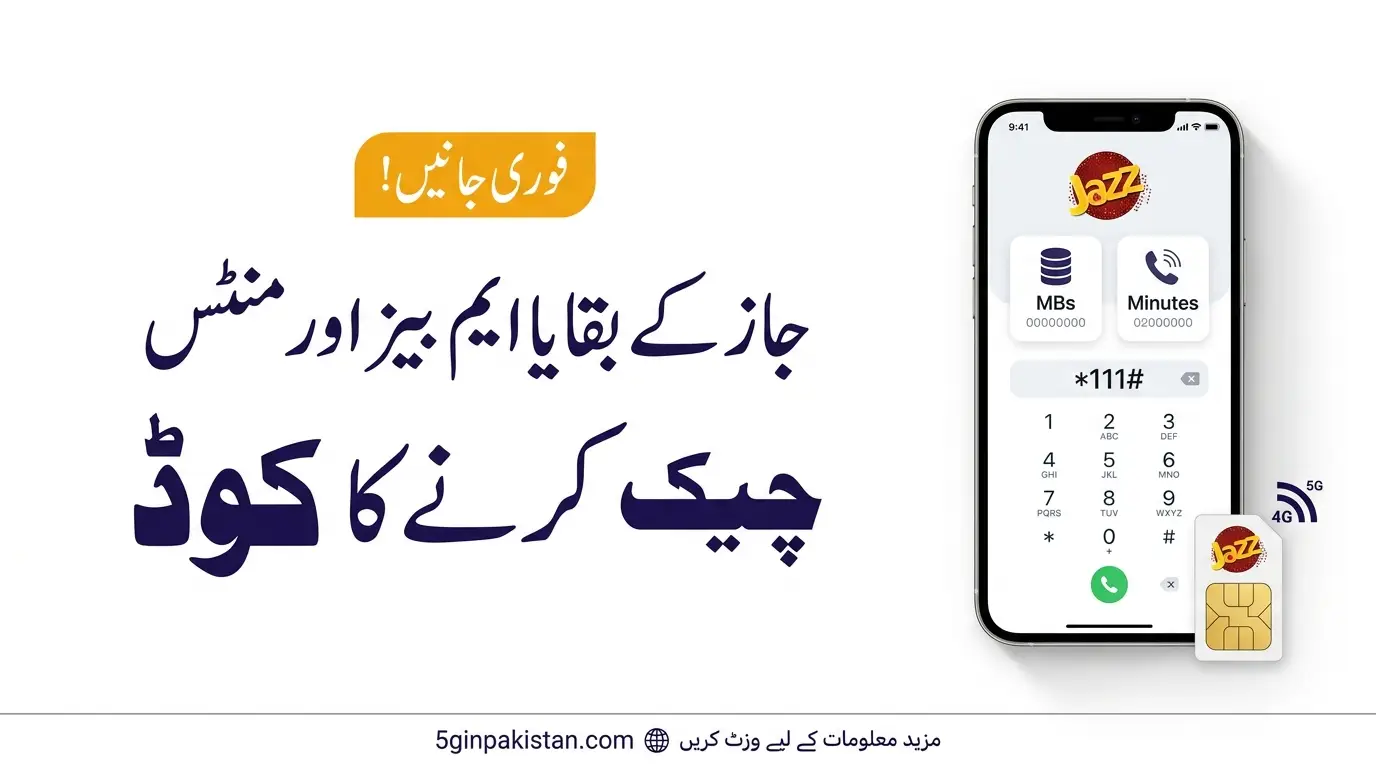
How to Check Jazz Remaining MBs and Minutes Code. If you want to know how to check Jazz remaining MBs and minutes code, you can use a USSD code, the SIMOSA app, or Jazz WhatsApp service. These methods help you check your remaining internet data, call minutes, SMS, and package details.
The correct method depends on whether you use a Jazz prepaid or postpaid SIM and which package is active on your number.
How to Check Jazz Remaining MBs and Minutes Code Method
Jazz does not use one universal remaining-resource code for every prepaid package. Some bundles have their own status codes. You can also check your usage through Jazz’s official digital services.
| Service | Code or Method | Charges |
|---|---|---|
| Postpaid remaining MBs, minutes and SMS | *2222# | Free |
| Prepaid package information | *444# | Check current terms |
| Check your Jazz number | *99# | Check current terms |
| SIMOSA app | Open the app and check your package | Free |
| Jazz WhatsApp | Send Hi to 0300-3008000 | Free |
The *2222# code is listed by Jazz for checking remaining postpaid resources. Prepaid customers should use the status code for their active bundle or check their account through official Jazz services.
How to Check Jazz Remaining MBs
Follow these steps to check your remaining Jazz internet MBs:

- Open your mobile phone’s dialer.
- Find the status code for your active Jazz internet package.
- Dial the code from your Jazz SIM.
- Follow the on-screen instructions, if shown.
- Check the remaining MBs and package validity.
Important: Jazz internet packages may have different status codes. Do not assume that a code for one weekly or monthly bundle will work for every package.
You can also use the SIMOSA app to check your active package and account information without searching for a separate code.
How to Check Jazz Remaining Minutes
To check your remaining Jazz call minutes, first identify your active call or hybrid package.
- Postpaid users: Dial
*2222#to check remaining free MBs, minutes and SMS. Jazz lists this inquiry as free. - Prepaid users: Use the relevant package status code or check your package information through SIMOSA or Jazz WhatsApp.
- Hybrid package users: Check the status of your active bundle to see its remaining data, minutes and SMS.
If you have subscribed to more than one offer, check the status of each package separately when necessary.

How to Check Jazz Remaining SMS
You can check remaining SMS through your active package’s status code or an official Jazz self-service channel.
For postpaid connections, Jazz lists *2222# for checking remaining free MBs, minutes and SMS. Prepaid customers should confirm the method for their particular bundle.
Check Jazz Remaining MBs and Minutes Through SIMOSA
SIMOSA is Jazz’s official self-service app. You can use it to view your account and package information.
Follow these steps:
- Install or open the SIMOSA app on your phone.
- Sign in using your Jazz number.
- Open the home screen or package details section.
- Check your active package and available account information.
Jazz lists the SIMOSA app as a free way to access account and usage information. Available details may depend on your account and active offer.
Check Jazz Package Details Through WhatsApp
Jazz also provides a WhatsApp self-service facility.

- Save 0300-3008000 in your contacts.
- Open WhatsApp and send Hi to this number from your Jazz number.
- Select Account Details from the menu.
- Choose the relevant option to view your package or account information.
- Follow the instructions shown in the chat.
Jazz lists its WhatsApp self-service number on its official website. You can use it to access supported account details without dialling a USSD code.
Official source: https://www.jazz.com.pk/help-center/self-service-options/whatsapp
Why Is My Jazz MBs Check Code Not Working?
If your Jazz remaining MBs or minutes code is not working, try these steps:
- Confirm that you are using the status code for your active package.
- Make sure you are dialling from the correct Jazz SIM.
- Check your package details through SIMOSA or Jazz WhatsApp.
- Check the current terms and charges before using a paid inquiry code.
- Contact Jazz support if your remaining resources are not displayed correctly.
Some packages have separate status codes, so an incorrect code may not show the information you need.
Conclusion
The best way to check Jazz remaining MBs and minutes depends on your connection and active bundle. Jazz Postpaid users can dial *2222# for a free remaining-resource inquiry. Prepaid users can check their package-specific status code, use the SIMOSA app, or contact Jazz through WhatsApp. Always confirm the code and charges through Jazz’s official channels before using a package inquiry service.

Frequently Asked Questions
What is the Jazz remaining MBs and minutes code?
For Jazz Postpaid, dial *2222# to check remaining free MBs, minutes and SMS. Prepaid users should check the status code for their active package or use SIMOSA.
Is the Jazz remaining MBs check code free?
Jazz lists *2222# as a free remaining-resource inquiry for postpaid users. For prepaid packages, charges may depend on the specific status code and offer terms.
How can I check Jazz internet MBs without a code?
Open the SIMOSA app and check your package information. You can also use Jazz WhatsApp by sending Hi to 0300-3008000.
Can I check Jazz minutes and SMS together?
Yes. Jazz Postpaid users can use *2222# to check remaining free MBs, minutes and SMS. Prepaid users should use the relevant package status method.
How do I check my active Jazz package?
You can use Jazz’s self-service options or open the SIMOSA app to view your active package information. You can also try *444# for prepaid package information.
 Verified Author
Join The 5G Community
Get exclusive updates, device reviews, and expert insights directly from Pakistan’s 5G ecosystem.