
 Verified
Before you pay for any phone in Pakistan — new, used, or imported — check its PTA approval first. The check takes two minutes, it is free apart from one SMS, and it is the only check that tells you whether the phone will keep working on a Pakistani network. A seller’s word, a sticker on the box, or “PTA approved” written in an online listing is not proof. The IMEI is proof.
PTA runs the check through DIRBS, the Device Identification Registration and Blocking System, introduced in 2018. DIRBS checks every IMEI that connects to a Pakistani network against its records, and a phone that is not on the approved list will be blocked.
Step 1: find the IMEI
Every phone has a 15-digit IMEI number. Dial *#06# on the phone and it appears on the screen at once, without pressing call. You can also find it on the box, under Settings and About phone, or on the SIM tray of some handsets.
Check every IMEI the phone shows, not just the first one. A dual-SIM phone has two IMEIs, and one slot can be compliant while the other is not.

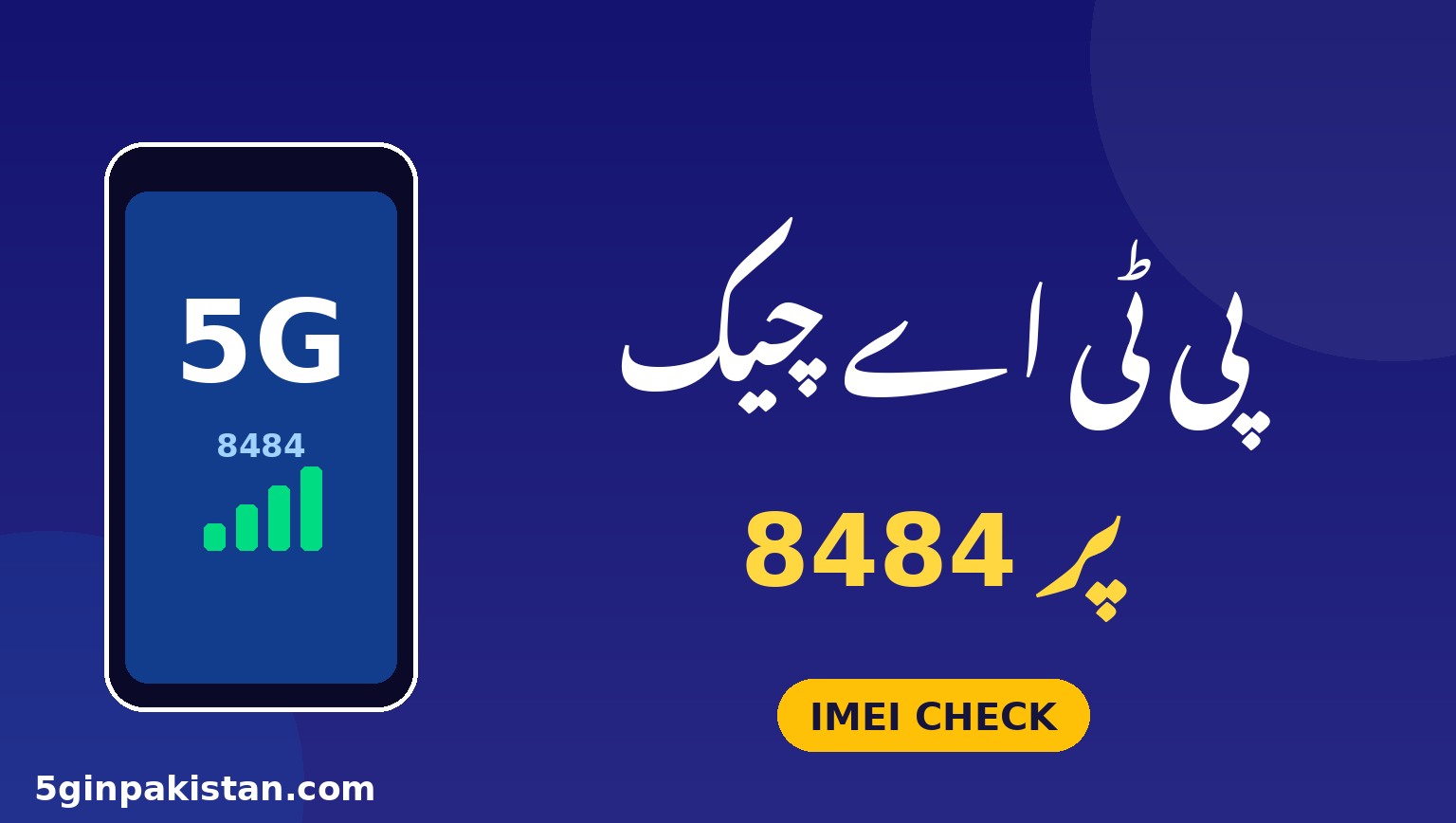
Step 2: send it to 8484
Type the 15-digit IMEI with no spaces, dashes or extra words, and send it by SMS to 8484. PTA replies, usually within a minute, telling you the phone’s compliance status. The check itself is free — you pay only your operator’s standard SMS rate. Any website or shop asking for a fee to check an IMEI is selling you something free.
Step 3: read the reply properly
The reply will say one of a few things, and they do not all mean the same:
| Reply | What it means | What to do |
|---|---|---|
| Compliant | The device is PTA approved or registered | Safe to buy or keep using |
| Non-compliant | Not registered, usually because tax is unpaid | Do not buy it until it is registered and the tax is paid |
| Blocked | The device is blocked on Pakistani networks | Do not buy it |
| GSMA Valid | A real device, but not registered with PTA | Register it within 60 days of first use on a local network |
A Compliant result means the IMEI is recognised as registered. It does not by itself prove ownership or warranty coverage — those are separate checks.
 Google’s New $1,899 Pixel Fold Just Dropped — Here’s What It Costs to Actually Own One in Pakistan
The other official ways to check
SMS is the quickest method, and it works without internet. The same database sits behind the other official channels: the Device Verification System at dvs.pta.gov.pk, the DIRBS portal at dirbs.pta.gov.pk, and the official DIRBS (DVS) app. If the phone is not compliant, register it on the DIRBS DRS portal at dirbs.pta.gov.pk/drs, dial *8484#, or visit an operator franchise. Duty and tax amounts are set by the FBR, not by PTA, so a status check is not a tax quotation.
The 60-day rule for phones from abroad
A phone brought from abroad generally works on a Pakistani SIM for about 60 days after it first connects, and after that it is blocked until registered. PTA’s DIRBS FAQ gives travellers 60 days from arrival to register a phone brought in their baggage, so register within the window.

Before you pay: the two-minute rule
Run the check on your own phone or SIM, not the seller’s, while you have the actual handset in your hand. If the seller will not let you check, walk away. And remember the second check for 5G: a PTA-approved phone still needs band n78 to connect to 5G in Pakistan, so run the model through this site’s 5G Phone Compatibility Checker as well.
FAQs
How do I check if my mobile is PTA approved?
Dial *#06# to see the IMEI, then send the 15-digit number by SMS to 8484. A Compliant reply means it is approved or registered. You can also check on dvs.pta.gov.pk or dirbs.pta.gov.pk.
Is the PTA IMEI check free?
The check itself is free. You pay only your operator’s standard SMS charge for the message to 8484. Never pay a website for an IMEI check.
Categories
Tags
 Verified Author
Join The 5G Community
Get exclusive updates, device reviews, and expert insights directly from Pakistan’s 5G ecosystem.
2 thoughts on “How to Check PTA Approval in Pakistan: IMEI, 8484 and DIRBS”