
 Verified
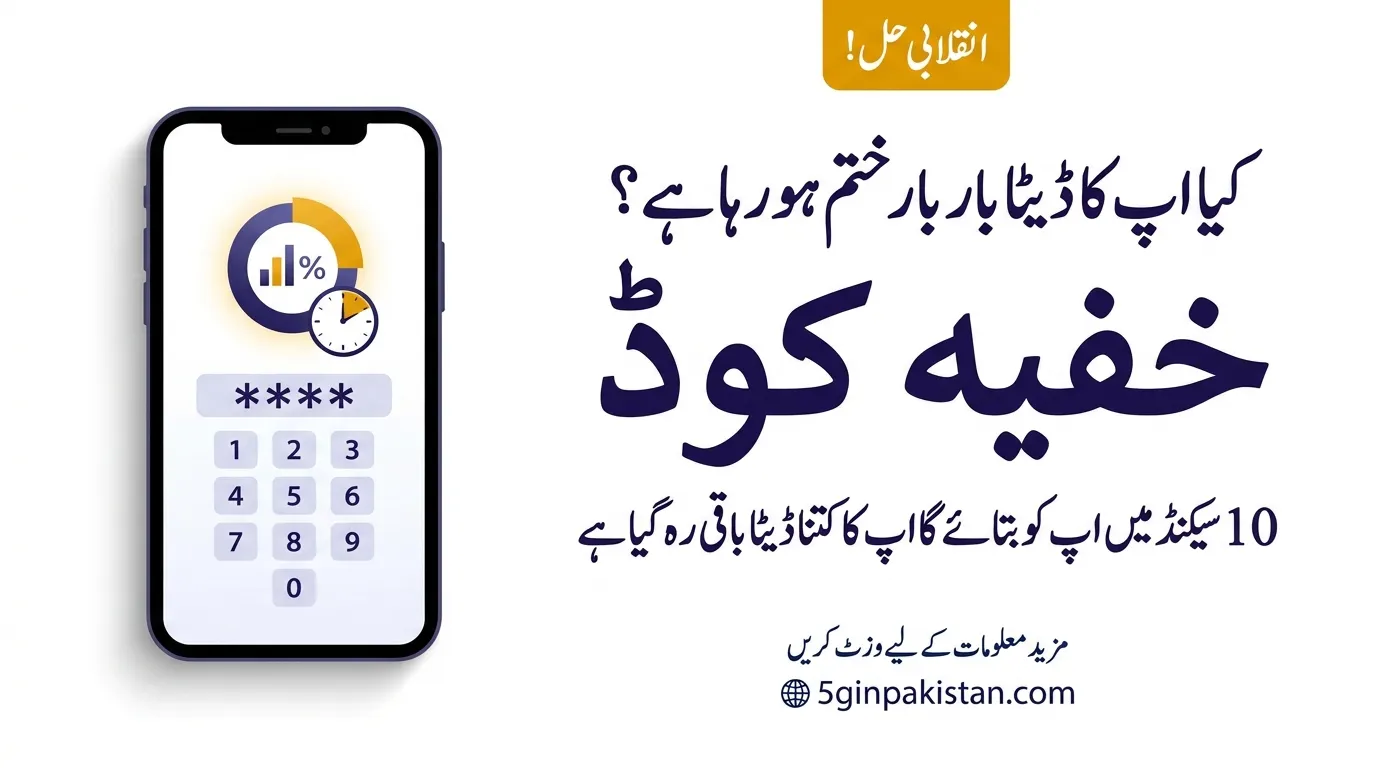
How to Check Ufone Remaining MBs. Dial *706# from your Ufone number, and a message pops up instantly showing your remaining internet MBs, minutes, SMS, and package expiry — all in one shot. No app, no internet connection needed, and it works whether you’re on a daily, weekly, or monthly package.
If you’ve ever had your data die mid-video with zero warning, this is the code that keeps that from happening again. Here’s exactly how to use it, plus a couple of backup options if it ever doesn’t work.
Step 1: Dial the code
Open your phone’s dialer and type *706#, then press call. Within a couple of seconds, a flash message appears on your screen showing:
- Remaining internet MBs
- Remaining on-net and off-net minutes
- Remaining SMS
- Your current package’s expiry date or time
This works on 2G, 3G, and 4G Ufone connections, and covers pretty much every prepaid data bundle Ufone offers.
Step 2: Read the expiry, not just the MBs
This part trips people up. Having MBs left doesn’t mean your package is still active — packages expire on time, not just when data runs out. If your bundle’s validity has ended, you’ll be charged out-of-bundle rates even if the MB counter technically still shows a balance. Always glance at the expiry line in the same message before assuming you’re covered.
Alternative: check through the UPTCL App
If you’d rather not remember a code, Ufone’s official app — now called UPTCL, after Ufone and PTCL merged their apps — shows your remaining data, minutes, and SMS right on the home screen, along with your Super Card status if you have one active.
- Download UPTCL from the Play Store or App Store.
- Log in with your Ufone number.
- Your usage summary appears automatically on the home screen — no extra taps needed.
The trade-off: the app needs an active internet connection to load your data in real time, so it won’t help you in the exact moment your internet has already run out. That’s where *706# still wins — it works with zero data and zero balance.
What happens once your MBs run out
This is the part most people don’t know until it costs them money. Once your bundle’s volume is fully used, Ufone doesn’t just cut you off — it switches you to the default pay-as-you-go rate, which is considerably more expensive per MB than any bundle price. There’s a small cushion though: after your first 25–50MB of overage (depending on your package), you get another 150MB free until midnight, and this resets daily at 00:00. Still, relying on that cushion regularly adds up fast, so it’s better to catch a low balance early with *706# than to find out after the fact.

What if *706# isn’t working?
A few quick fixes before assuming something’s broken:
- Restart your phone and try again — this resolves most one-off USSD failures
- Make sure your SIM is properly seated and registered as active
- If it still fails, dial 333 to reach Ufone’s helpline directly for support
A quick note on cost
Some sources mention a small charge (a few paisas) for USSD balance inquiries like *706#, though Ufone‘s own service pages list it as a standard resource-check code without a separate fee attached. Charges for USSD codes can shift over time at the operator’s discretion, so if you’re checking very frequently, the UPTCL app is worth using as your default — it won’t cost anything beyond your regular internet usage.
FAQs
What is the code to check remaining MBs on Ufone? Dial *706# from your Ufone number to instantly see your remaining data, minutes, SMS, and expiry.

*Does 706# work without internet? Yes, it’s a USSD code and works with zero internet connection and even with low or no main balance.
Can I check my Ufone data through an app instead? Yes, the UPTCL app (formerly My Ufone App) shows your remaining resources on its home screen, but it requires an active internet connection to load.

What happens when my Ufone data bundle finishes? You’re switched to the standard pay-as-you-go rate unless you top up or subscribe to a new bundle, so it’s worth checking regularly to avoid surprise charges.
Why does my package show MBs left but I still got charged? Your bundle’s time validity may have expired even though data remained — always check the expiry shown alongside your MBs, not just the number itself.
Bottom line
*706# is still the fastest way to check your Ufone data — no internet, no app, no waiting. Keep the UPTCL app as your backup for a fuller usage breakdown when you do have a connection, and make checking a habit before your bundle quietly runs out on you.
Categories
 Verified Author
Join The 5G Community
Get exclusive updates, device reviews, and expert insights directly from Pakistan’s 5G ecosystem.