
 Verified
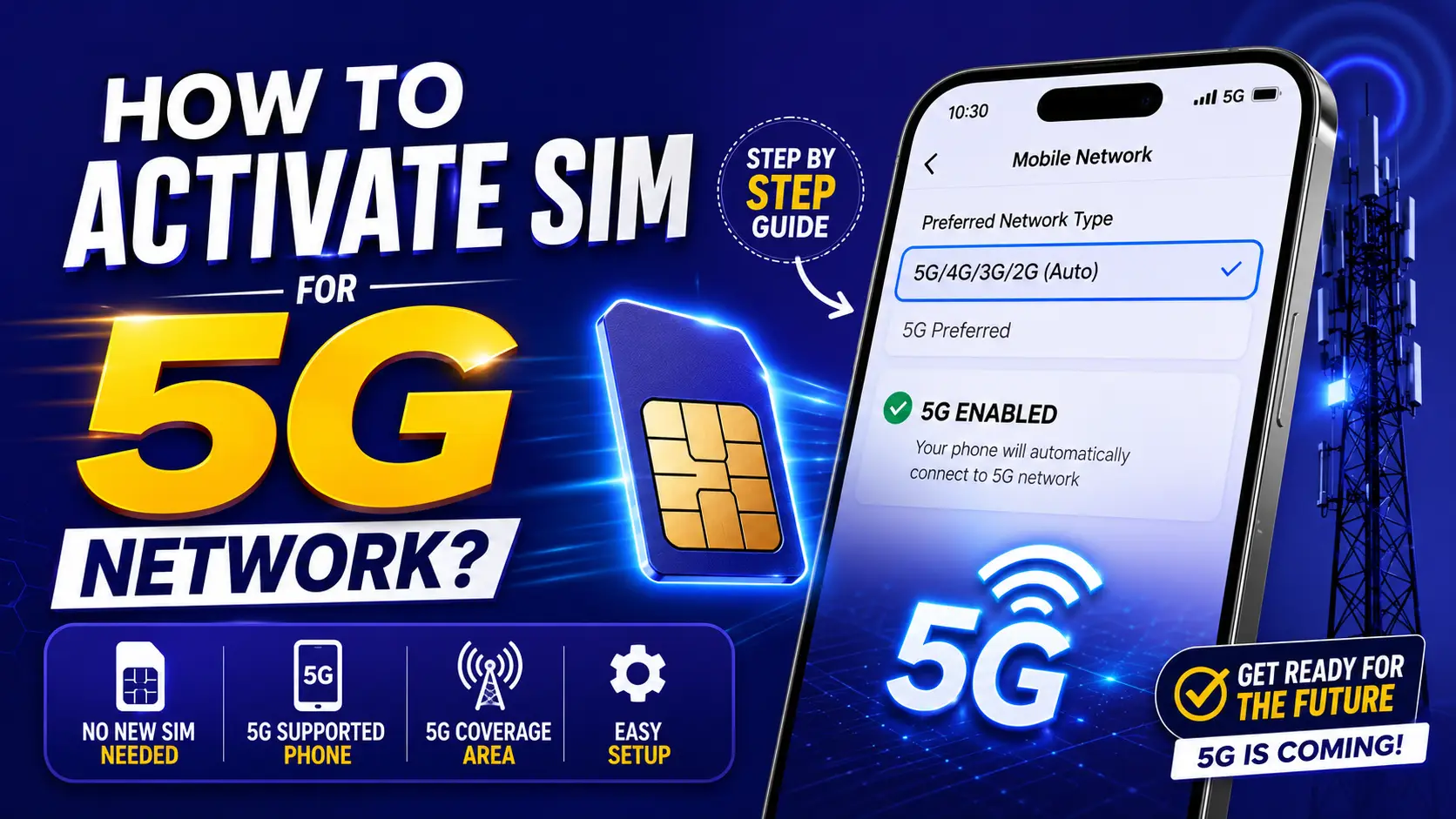
To activate a SIM for a 5G network, users usually do not need a separate 5G SIM in Pakistan. Most modern 4G LTE SIM cards from Jazz, Zong, Ufone, and Telenor can already support 5G connectivity. Users only need a 5G supported smartphone, active SIM, enabled network settings, and access to a 5G coverage area.
In most cases, 5G activation happens automatically once these requirements are met.
Requirements to Use 5G in Pakistan
Before trying to use 5G internet, make sure you have the following:
| Requirement | Details |
|---|---|
| Smartphone | 5G supported mobile phone |
| SIM Card | Active LTE/4G SIM |
| Network Coverage | Available 5G area |
| Software | Latest Android or iOS updates |
| Mobile Settings | 5G network mode enabled |
How to Activate 5G SIM on Android Phones
Follow these steps to enable 5G on Android:
- Open Settings
- Tap Mobile Networks
- Select SIM Settings
- Open Preferred Network Type
- Choose:
- 5G/4G/3G/2G Auto
- or 5G Preferred
Your phone will automatically connect to a 5G network if coverage is available.

How to Activate 5G on iPhone
For iPhone users:

- Open Settings
- Tap Cellular
- Select Cellular Data Options
- Open Voice & Data
- Choose:
- 5G Auto
- or 5G On
If Apple enables local carrier support, the device will connect automatically in supported areas.
Do You Need a New SIM for 5G?
In most cases, No.
Pakistan telecom operators have indicated that users can continue using their existing 4G SIM cards if:

- SIM supports LTE
- phone supports 5G
- network coverage exists
Older SIM cards may require replacement if they are not compatible with modern network standards.
How to Check if Your Phone Supports 5G
You can verify device compatibility by:
- opening phone specifications
- checking manufacturer website
- searching model details
- checking network settings
If 5G network mode appears in your settings, the device likely supports 5G.
Reasons Why 5G May Not Work
Sometimes users do not see a 5G signal even after enabling settings.

| Problem | Possible Solution |
|---|---|
| Phone does not support 5G | Upgrade device |
| Old SIM card | Replace SIM |
| No 5G coverage | Move to supported area |
| Outdated software | Update device |
| Wrong network settings | Enable 5G mode |
Pakistan Is Expanding 5G Infrastructure
Pakistan’s telecom sector is gradually expanding next-generation mobile infrastructure through:
- new spectrum deployment
- telecom tower upgrades
- fiber expansion
- 5G network rollout
Major operators including:
- Jazz
- Zong
- Ufone
- Telenor
are continuing work on broader 5G coverage across the country.
This guide helps users activate and prepare their devices for future 5G services in Pakistan without needing complicated setup steps.
Categories
 Verified Author
Join The 5G Community
Get exclusive updates, device reviews, and expert insights directly from Pakistan’s 5G ecosystem.